


























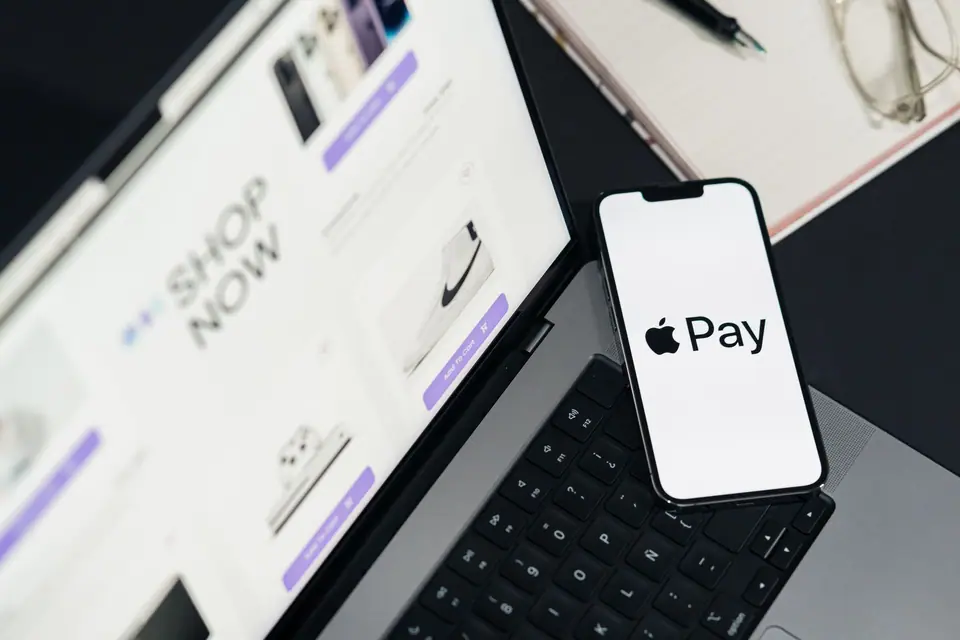
Alipay, WeChat Pay and Digital Setup for Beijing
Setting up Alipay, WeChat Pay, eSIM data and English map and translation apps before flying to Beijing.
Five years ago, visiting Beijing without a domestic Chinese bank account meant carrying thick envelopes of cash. Today, China's two super-apps, Alipay (Zhifubao) and WeChat (Weixin), allow international travellers to register with their home mobile phone number, verify their identity with a foreign passport, and link overseas Visa, Mastercard, JCB, Diners Club or Discover cards directly inside the app. Completing this fifteen-minute setup at home while you still have reliable SMS verification access will make every single hour in Beijing effortless.
Step 1: Set up both Alipay and WeChat Pay before departure
Never rely on a single payment app; set up both Alipay and WeChat Pay so you have an instant backup if one card triggers a bank security prompt:
- Alipay: download the app, sign up with your country code and mobile number, switch to the International Version if prompted, tap Account → Bank Cards to add your foreign credit or debit card, and upload your passport photo page under Real-Name Verification. On the home screen, tap Transport to activate your Beijing Subway and Bus QR code, and locate the built-in DiDi Travel mini-programme for English ride-hailing.
- WeChat (Weixin): open Me → Services (or Pay and Services) → Wallet → Bank Cards to bind your international card. WeChat is essential in Beijing because almost every museum ticket booking system (including the Forbidden City, Tiananmen Square and the National Museum) and restaurant table-ordering menu runs as a WeChat Mini-Programme.
Note that both platforms waive the international card processing fee on small everyday transactions, while for larger restaurant or hotel bills a modest card fee applies, or you can tap your physical Visa or Mastercard at international hotels and large malls.
Step 2: Mobile data (eSIM vs roaming) and navigation apps
Public Wi-Fi networks inside Beijing hotels and cafes require a mobile SMS code to log in and block many Western search engines, messaging services and social apps. The cleanest solution is activating an international travel eSIM for Mainland China (or your home carrier's international roaming data pack) before boarding your flight; because roaming and international eSIM traffic routes through Hong Kong or Singapore gateways, all your familiar apps work seamlessly alongside Chinese mini-programmes. Finally, avoid relying on Google Maps inside Beijing, where street alignments are outdated: use Apple Maps (which switches automatically to detailed local data once you land in China) or download Amap (Gaode Maps), which now features a full English-language interface with exact Subway exit numbers and walking times.
Traveller tips
Real advice from people who have been to Alipay, WeChat Pay and Digital Setup for Beijing. Every tip is read by our team before it goes live.
No tips yet. Been here? Yours could be the first.
Thank you! Your tip will appear here after a quick review.
More in Beijing
Continue exploring Beijing with related neighbourhood, food, and planning guides

Peking Roast Duck (Beijing Kaoya): Ovens, Carving and Etiquette
Beijing, China

Beijing Breakfast and Traditional Snacks: Jianbing, Baozi and Douzhi
Beijing, China

Old Beijing Copper-Pot Mutton Hotpot (Shuan Yangrou)
Beijing, China

Niujie Muslim Quarter: Mosque Timber Halls and Halal Street Food
Beijing, China